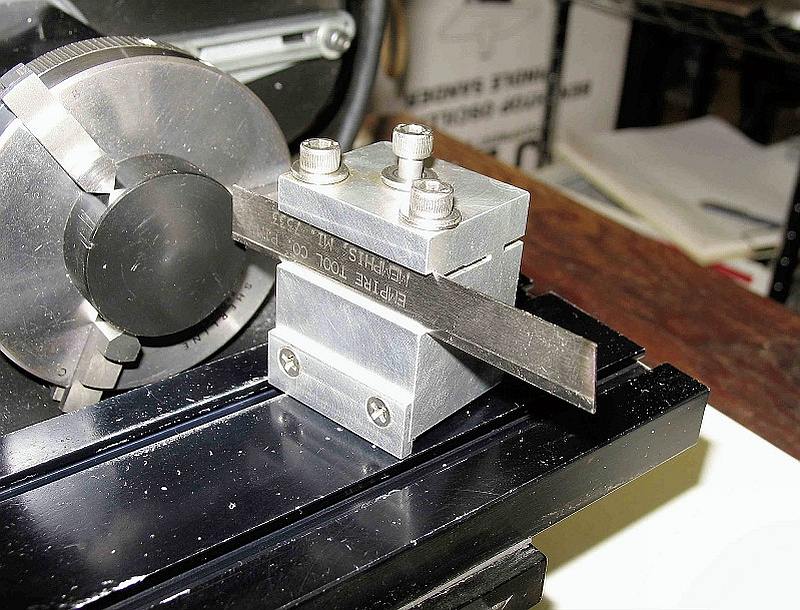
 This is the rear-mounted parting tool holder for my Sherline lathe. It’s based on a design that’s been around for decades and I made it about 12 years ago, before Sherline offered one for sale. It is just a block of 6061-T6 aluminum and it cost almost nothing to make. Further on you’ll find drawings that will help you make your own.… Read the rest
Lathe Mods
New V-belt makes speed changes easier
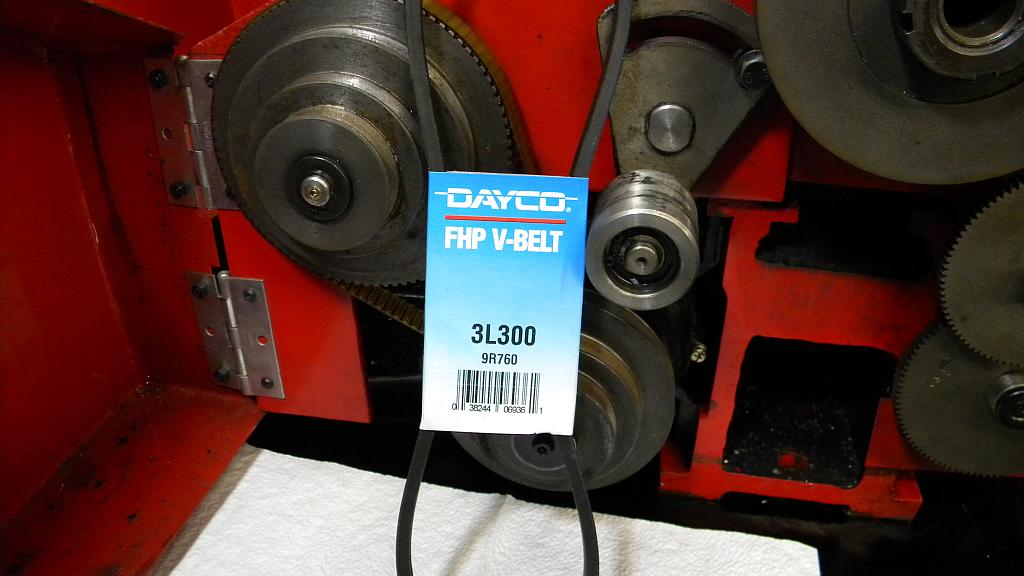 Changing the spindle speed of your Harbor Freight 8×12 or Lathemaster 8×14 lathe will probably be easier if you replace the factory belt with a size 3L300, which you can buy at most auto parts stores for about $5. The original is so tight that changing the spindle speed by moving it to a different set of pulleys can be an unpleasant chore. … Read the rest
Carriage Lock Modification for 8×12 or 8×14 Lathe
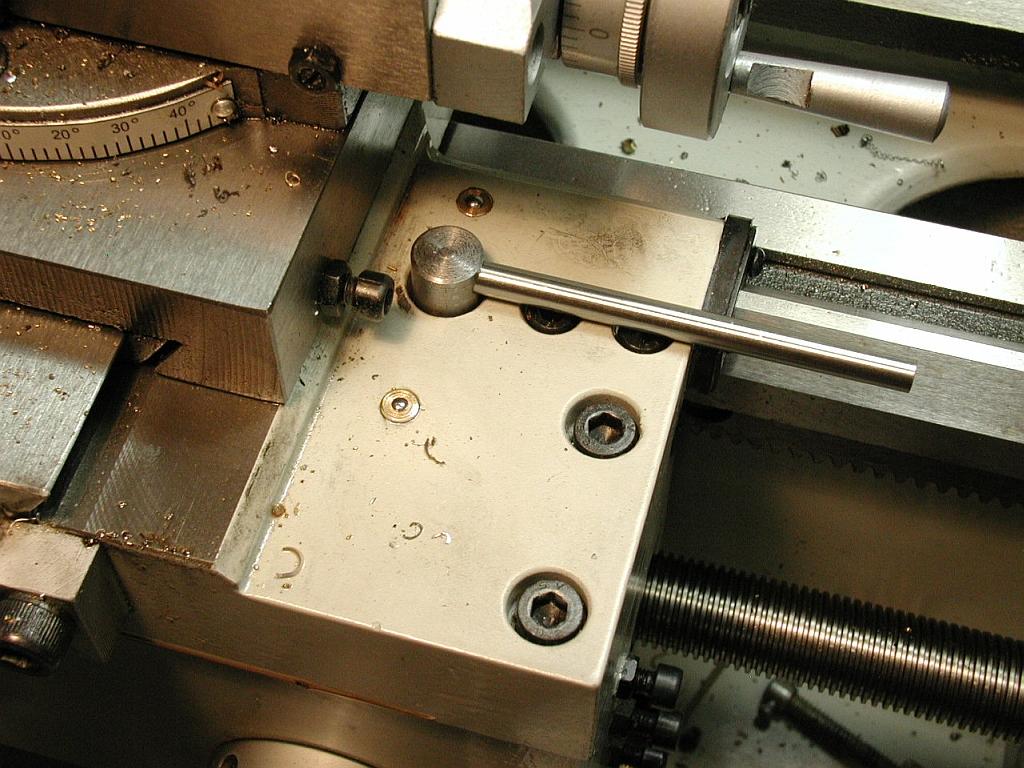
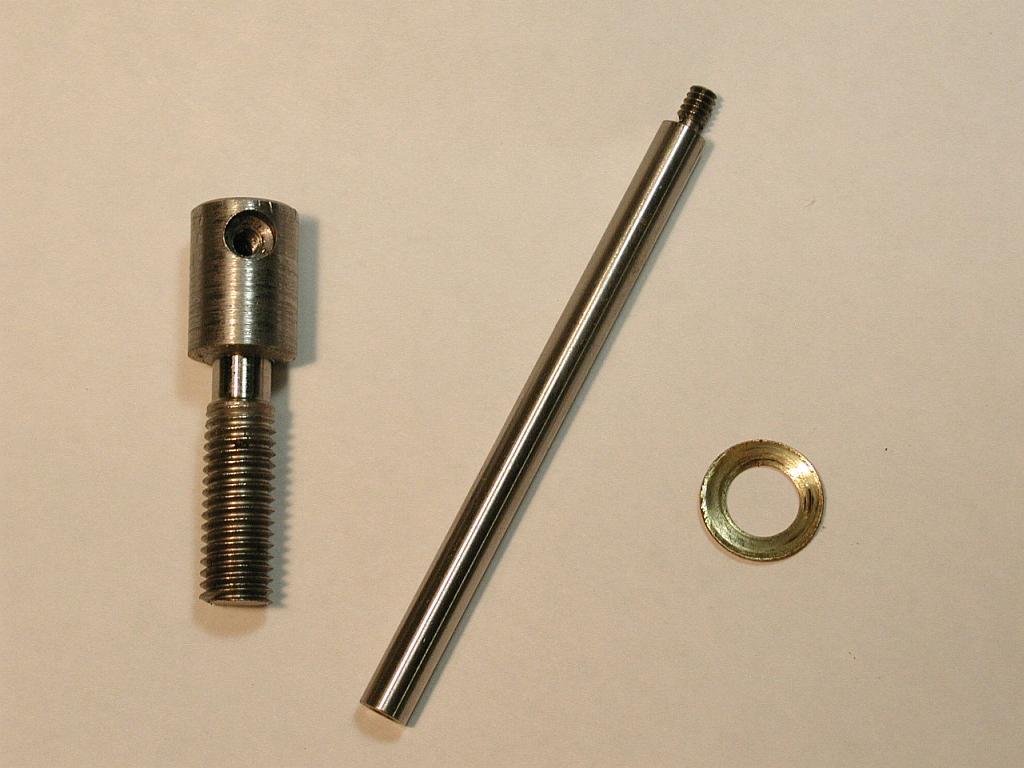 This is Steve Shyver’s carriage lock modification for a Harbor Freight 8×12 or Lathemaster 8×14 lathe (both lathes are the same size if measured the same way). His handle replaces the easy-to-misplace hex wrench that comes with the lathe. Its longer length also makes it easier to turn.
Steve made it using a M8 stainless steel cap screw with a press-on cap he fabricated. … Read the rest
Snub’s ball turning tool
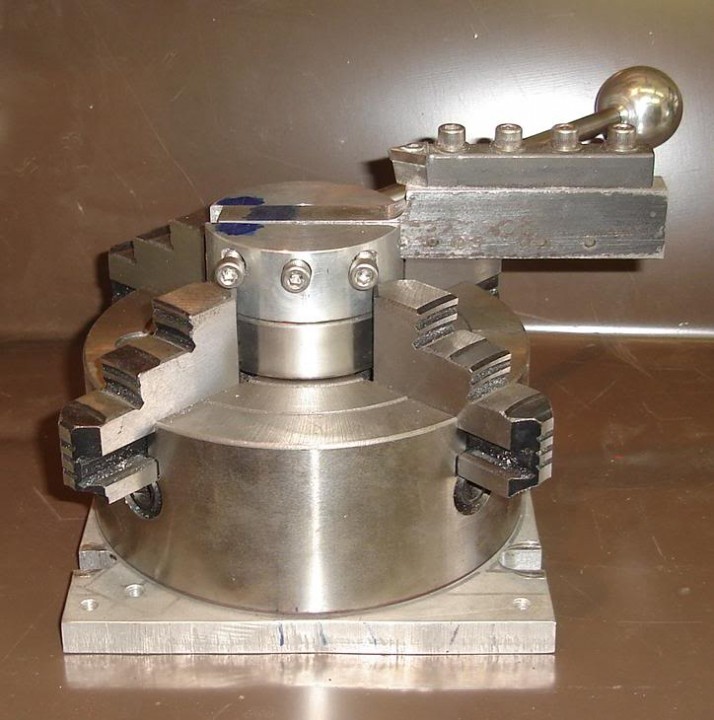 I think this is a brilliant idea. “Snub” made a ball turning tool and used a 4-jaw chuck as the base. He says it works perfectly and leaves an almost perfect finish. I don’t doubt him because of the weight and rigidity of the chuck and the large bearing he used as a pivot. … Read the rest